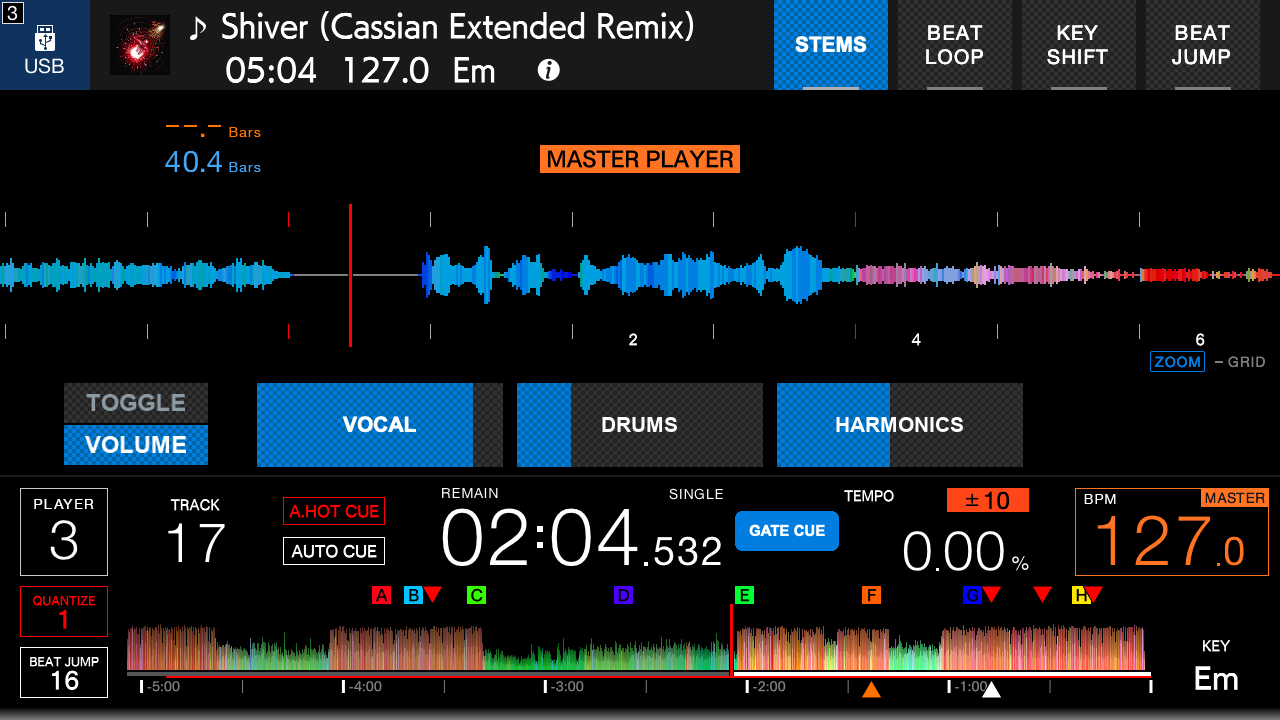
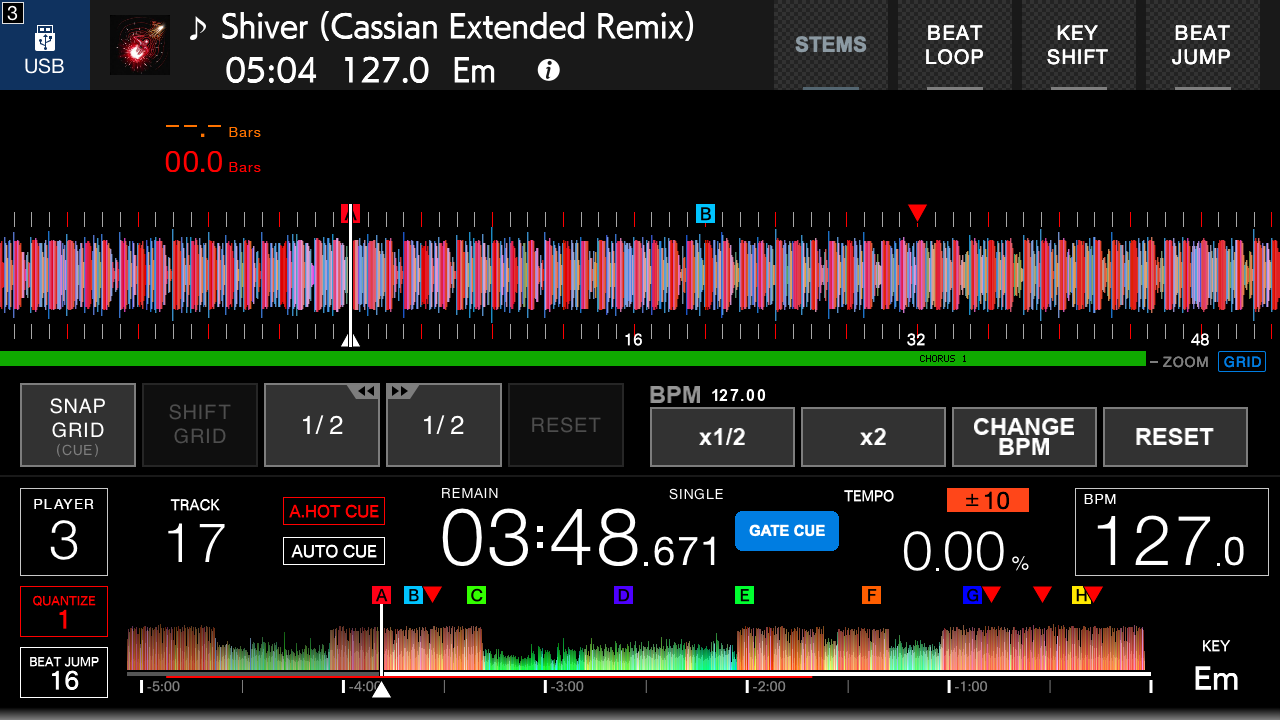
Prepared stems, cue controls, beat-grid BPM editing, playlist editing, display options, and vocal and phrase indicators. Use prepared USB drives or SD cards, locally or through linked players.
Bring parts of a track in and out.
Toggle vocals, drums and harmonics on and off, or adjust each part's volume while the track keeps playing. Each prepared part has its own waveform.
Available on both CDJ-3000 hardware profiles.
The Stock/OverCue picker checks other linked players using this player’s media and shows loading progress before a two-step restart confirmation. A cached track does not guarantee uninterrupted seeking while its source restarts.
More control on the player.
Beat-grid BPM editing
Halve or double the grid BPM, or use Change BPM and the rotary selector to adjust it in 0.1 BPM steps. Turn editing off to save to the source USB drive or SD card.
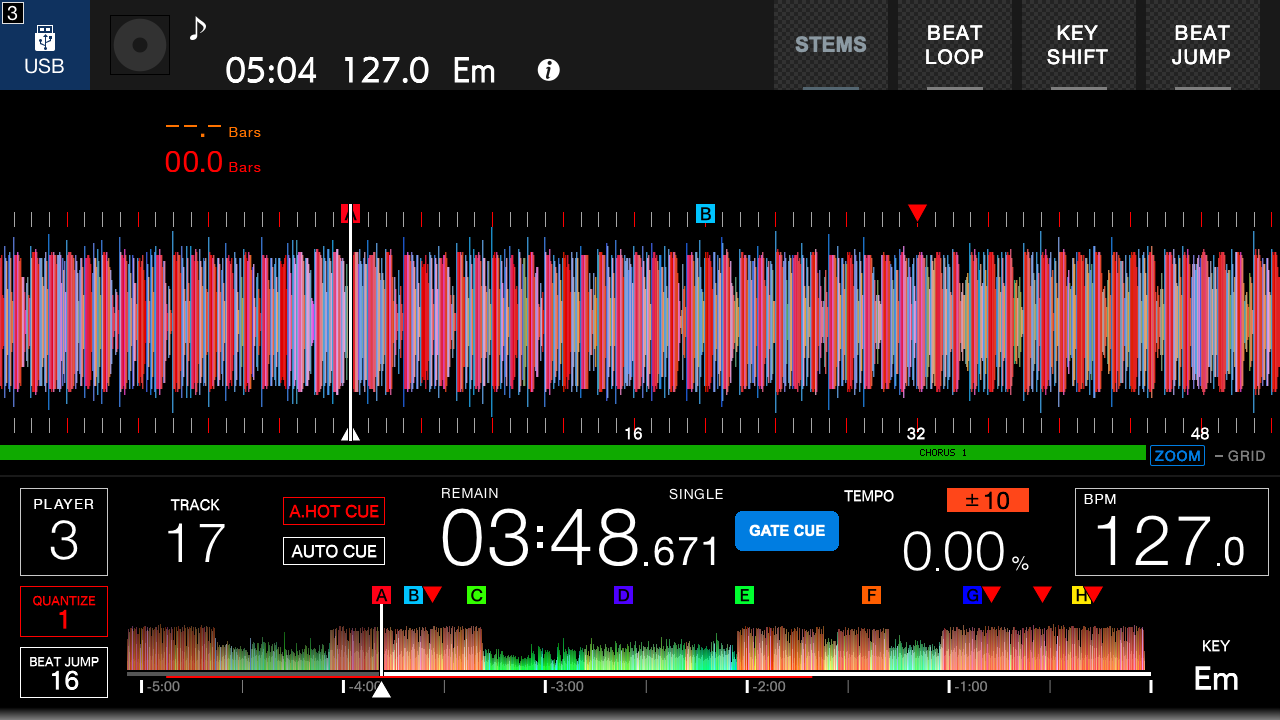
Hide Now Playing
Tap the Now Playing artwork to hide or restore the track title and artwork. Cue and position markers stay visible on the jog display.
3 tracks are missing stems in 1 playlistDrums, Vocals and Instrumentals are separated with the Stem Splitter model on this computer and written beside the rekordbox export, with their own waveforms. Nothing is added to your library.
1 selectedRe-export stemsDelete stems
TitleArtistBPMKeyTimeStems
FerrariJames Hype, Miggy Dela Rosa125.0012A3:07Ready
Just A Little Bit MoreMau P128.003B3:34Ready
SpacemanHardwell128.002A6:19Missing
Where Are Ü Now (with Justin Bieber)Jack Ü, Skrillex, Diplo, Justin Bieber139.009A4:10Missing
Came Up (feat. Post Malone & Key!)Flosstradamus, FKi 1st, Graves, Post Malone, KEY!77.002B3:38Missing
FerrariJames Hype, Miggy Dela Rosa · 125.00 BPM · 12A · 0:00 / 3:07
VocalsDrumsInstrumentals
0:000:371:151:522:303:07
Full mix
Vocals
Drums
Instrumentals
OverCue Desktop.
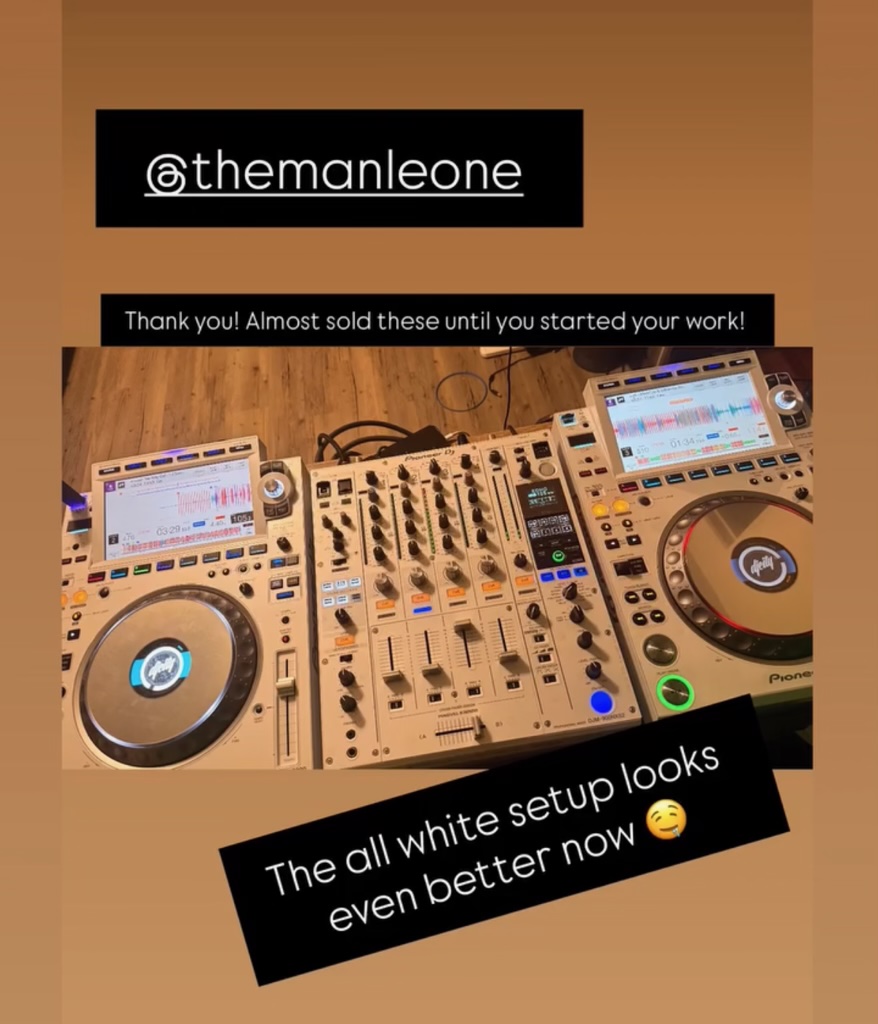
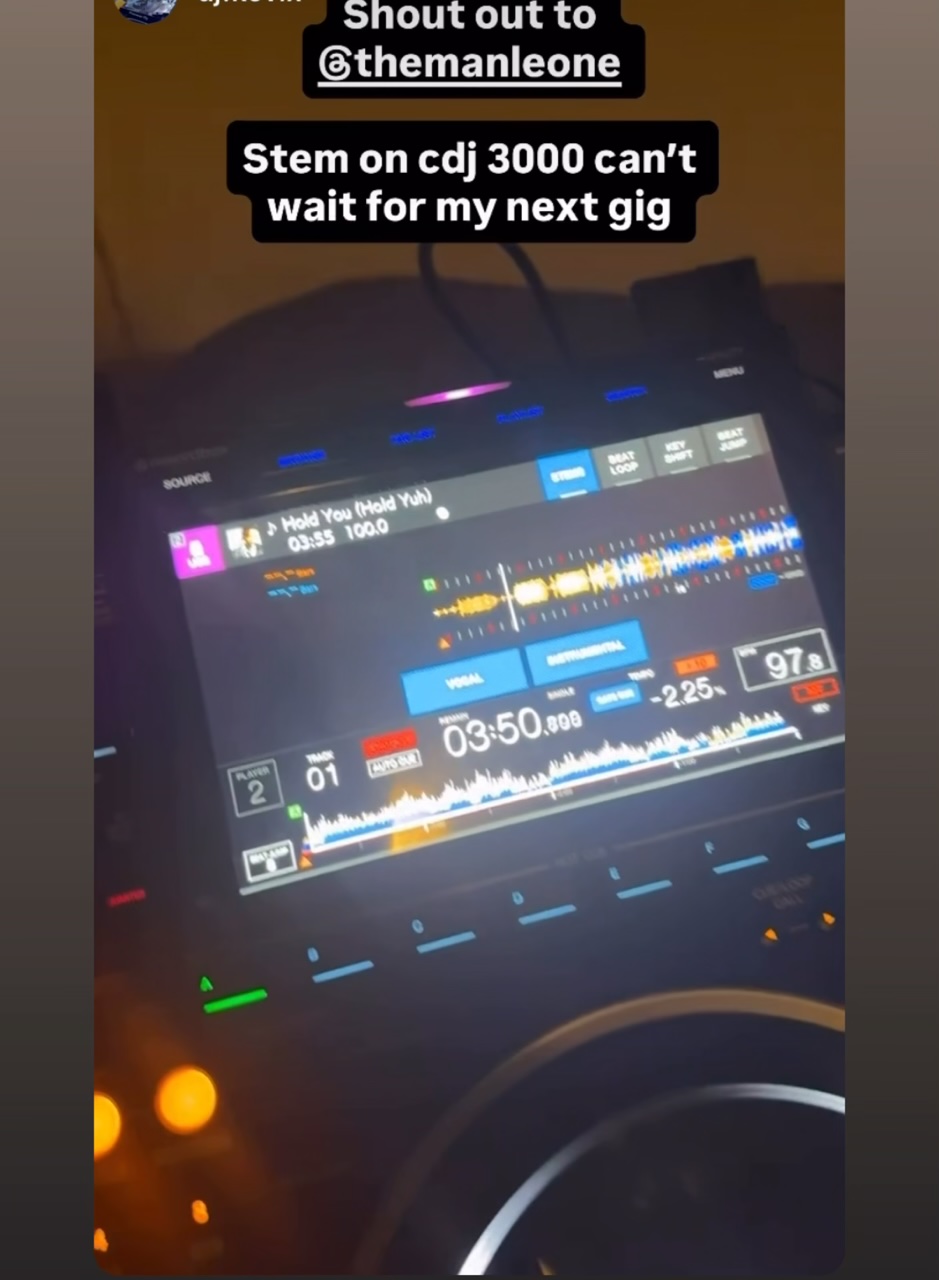
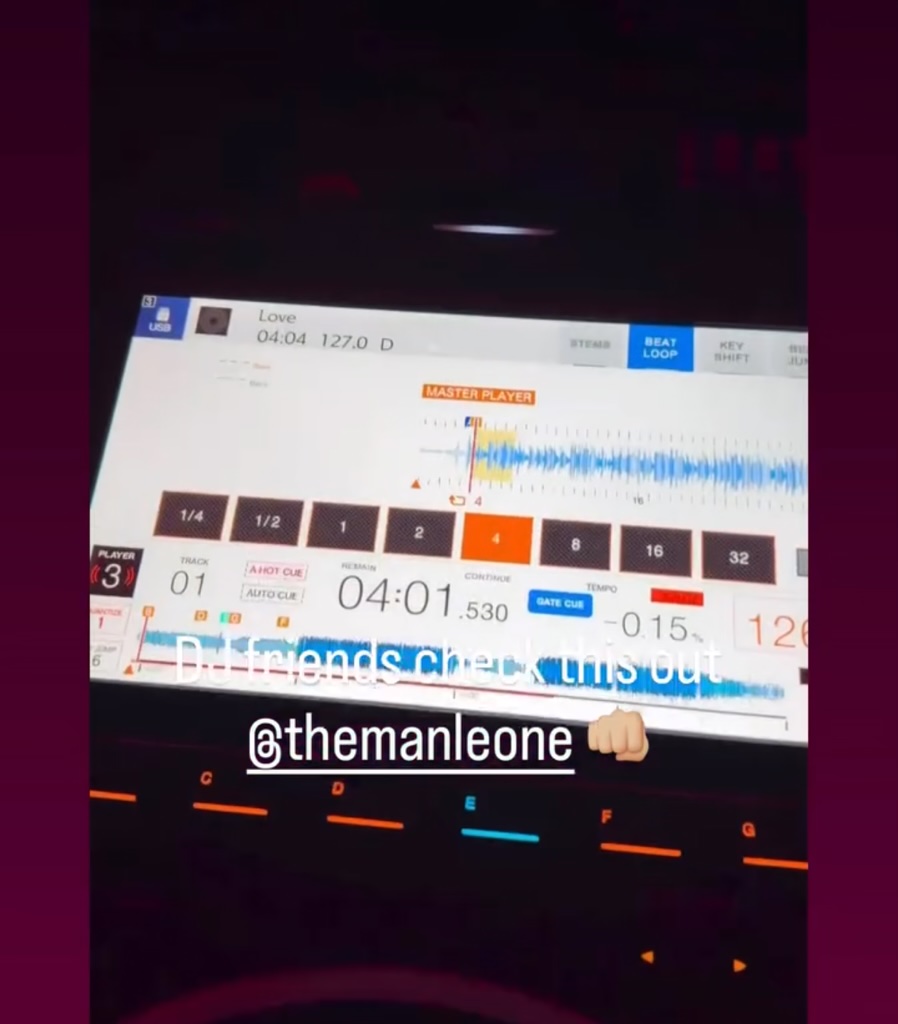
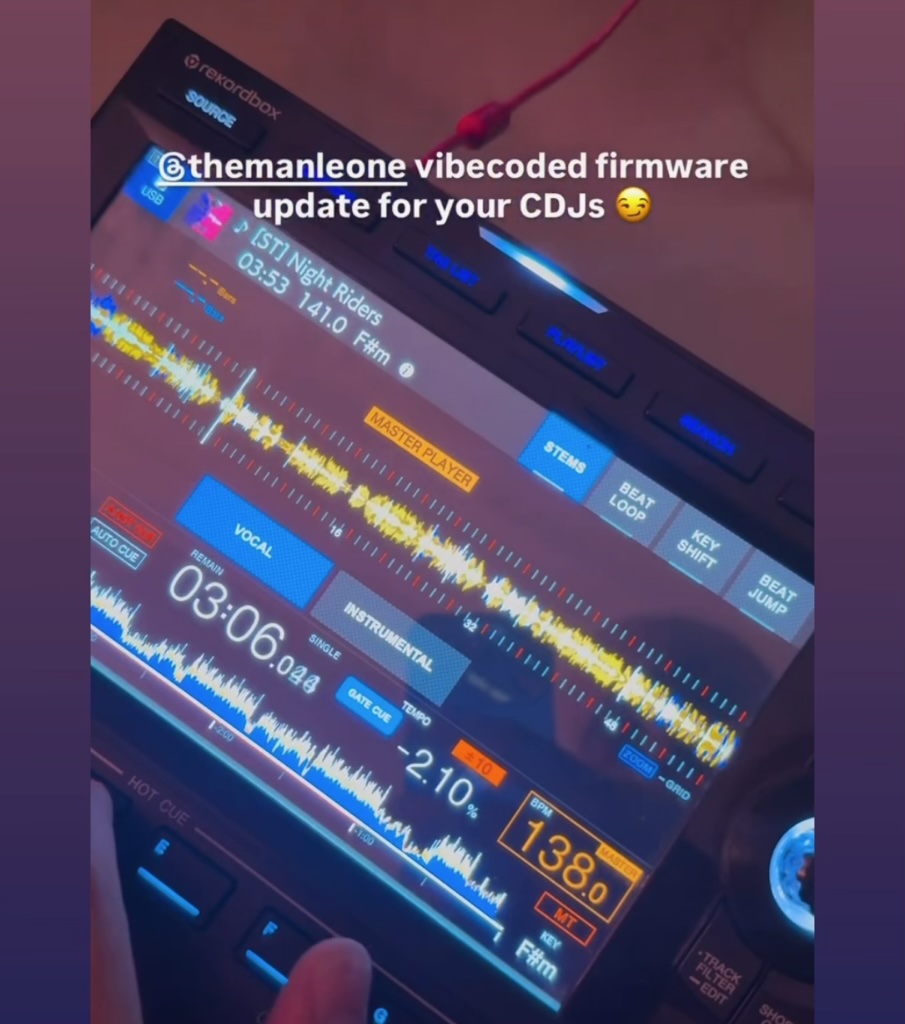
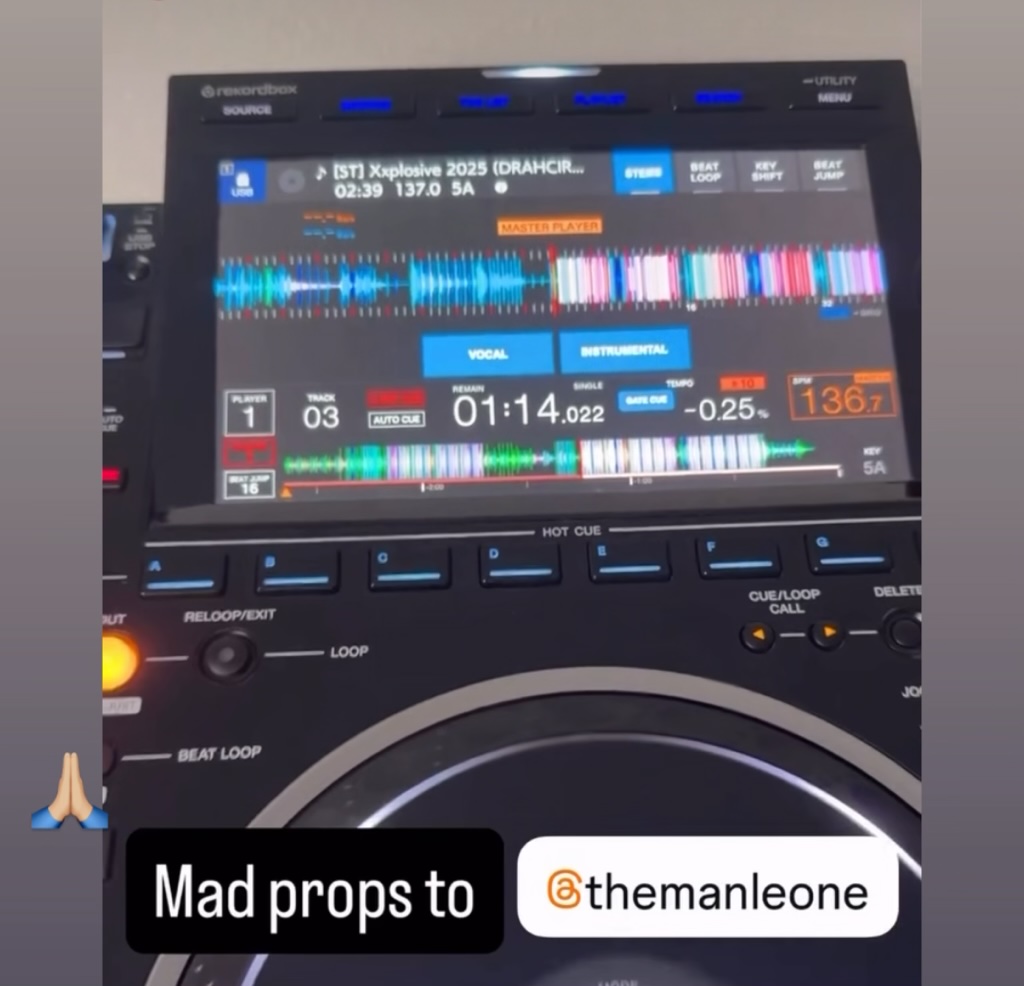
Seen in the booth.
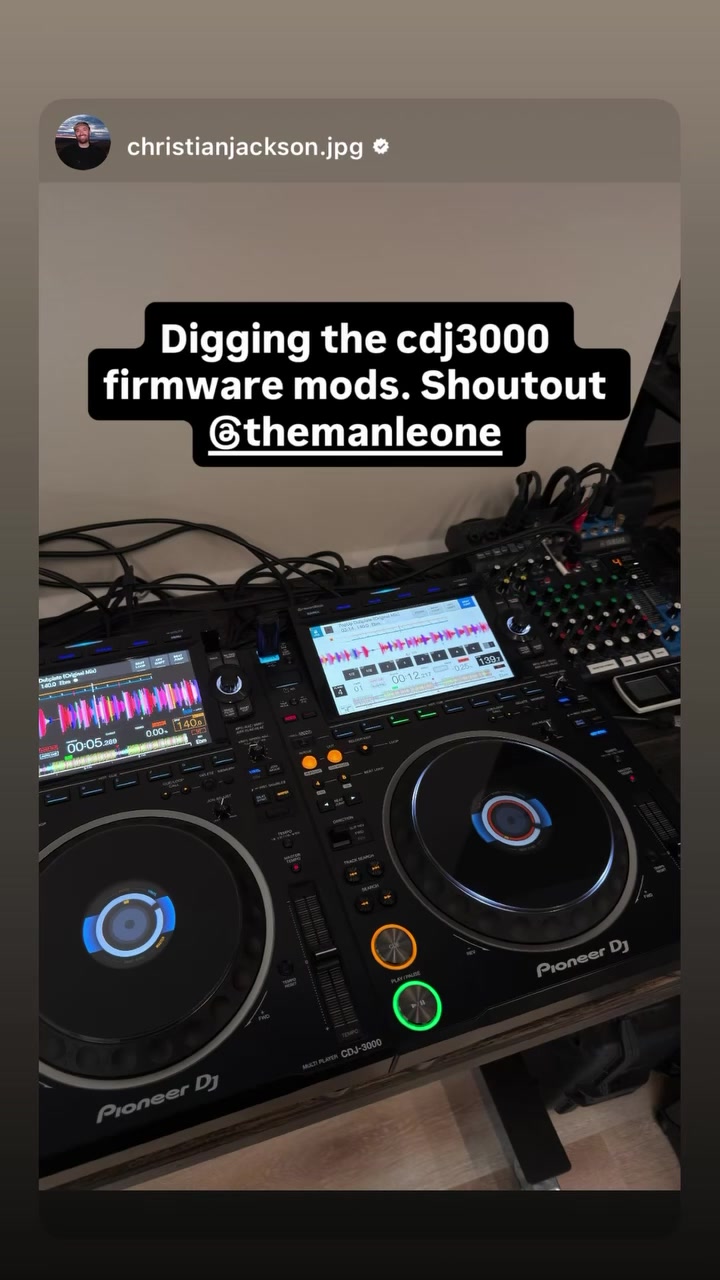
Early OverCue mods, shared by DJs from their own setups.
Our story
DJs who like building things.
Sam Leone
OverCue Founder. DJ Since 2012. Digital Marketing Expert. Founder of Xylo. AI Power User.
Sam started DJing in 2012 after watching Hardwell at Tomorrowland on YouTube. He learned on a DDJ-S1 with Serato, became the DJ for every dance at his high school and went on to play sets at friends' colleges. His setup grew through a DDJ-SZ and DDJ-FLX10 before he moved to CDJ3000s, a DJM-A9 and DJS-1000.
Sam did not attend college. Instead, he built his career through hands-on work and now runs Xylo, a digital marketing agency and AI marketing software company. He was a ChatGPT user from day one and has personally used more than 30 billion tokens, building deep practical experience with personal AI.
OverCue brings those paths together. Sam approaches it as both a DJ and a product builder, turning ideas from the booth into software that feels useful, familiar and ready for a real set.
Domenico is a Computer Engineering student at McGill University, a developer and the founder of Kaskaraa Instruments, a startup developing automated pathology systems for hospitals. His work spans robotics, embedded systems, software and hardware-software integration, including autonomous systems, FRC competitive robotics and medical technology.
Outside engineering, he is a Montréal-based DJ focused on vinyl-driven house music. His hybrid setup brings together two CDJ3000s, two Technics SL-1210s and a Pioneer DJM-V10. He has performed at venues and events across Montréal, including 212, Palazo, Cathcart, Bar George and Marcus.
Domenico contributes to both the CDJ3000 work and the OverCue Desktop app. OverCue gives him a place to bring his experience across hardware and software to the tools he uses as a DJ, with a focus on making the entire system work well together.
Nick Waves
DJ & Music Producer. CDJ3000X (Coming Soon) Contributor.
Nick picked up his first guitar at three, discovered his mum's computer at seven and started DJing at sixteen. Today, he is a DJ and music producer who develops software in his own time, with a curiosity that takes him right down to the kernel. Behind the decks, he brings that same attention to detail, an easygoing attitude and a sound rooted in Afro House and Tech House. His sets have taken him to Bootshaus, Schrotty and Helios in Cologne, Heaven in Münster, and events including Oasis Culture and Medimeisterschaften, alongside weddings and corporate events at Munich's BMW Museum.
A longtime Pioneer DJ and AlphaTheta enthusiast, Nick has also worked with Technics, Xone, Denon, Native Instruments, Serato and Algoriddim, giving him a broad perspective on the tools DJs use. His current favorite setup is CDJ3000X players with a DJM-V10, an RMX-IGNITE or RMX-1000, and a TEILE Revolo. In the studio, Ableton Live is his first choice for producing his own music. He enjoys understanding what happens inside the equipment as much as exploring what he can create with it.
Innovation drives Nick's CDJ3000X work on OverCue, where he turns ideas from his own DJ experience into software for fellow DJs. He connects with the spirit of AlphaTheta's "One Through Music" mission and hopes to contribute by sharing ideas, encouraging creativity and introducing more people to DJing and the equipment he loves. For Nick, OverCue is a way to give something back to the DJ community, with respect for the designers and engineers whose work inspires his own.
Built around the industry standard.
Honoring One Through Music.
AlphaTheta sets the standard for club DJ equipment, building on its Pioneer DJ heritage. We value the sound, reliability and familiar controls that have made this gear part of so many DJ booths.
AlphaTheta's "One Through Music" mission is about creativity and bringing people together. As long-time customers, we share that enthusiasm. OverCue is our own small project, exploring extra options for the equipment we already enjoy using.
We look forward to what AlphaTheta builds next. If an official feature makes one of our mods unnecessary, we would welcome that!
Striving for OEM quality and reliability. Tested on our own gear.
We review the code, run automated checks and test on players we own, with a focus on the workflows DJs use during a set.
01
Tested on our own gear.
We review the code, run automated checks and try features on players we own.
02
Striving for performance-ready reliability.
We test features together across the playback, cueing and library workflows DJs rely on during a set.
03
Install and uninstall from one app.
OverCue Desktop creates the installer or uninstaller USB and gives you clear steps for each.
The things you do during a set.
What we test
From cueing a track to shutting down at the end of a set, these are the areas we focus on.
Playback, cues and timing
Playing forward and in reverse, changing tracks, beat jumps, loops, cues and scratching. We look at how these actions work together, not just one at a time.
Pitch, key and Master Tempo
Adjusting pitch and key, switching Master Tempo modes and returning to the original audio processing when needed.
USB, SD cards and linked players
Local and linked music sources, supported file formats, missing or damaged data, matching stems to tracks and disconnecting a source.
Startup, shutdown and recovery
Starting and shutting down the player, enabling features, interrupted installs and removal.
Independent code. Respect for intellectual property.
OverCue is developed independently. Our releases contain our own code and properly licensed dependencies, not AlphaTheta or Pioneer DJ firmware, keys or certificates. We publish license notices and credit the developers whose work we use.
Independent developers have helped explain how DJ software, music libraries, waveforms and Pro DJ Link work. CDJ3K-Root was an early inspiration, along with projects that emulate players and read music libraries.
We build OverCue because we enjoy DJing and working with technology. It is a private, noncommercial project that earns no revenue. We pay for the equipment, development and running costs ourselves, and share the software for free.
All three of us work on OverCue in our own time, outside our jobs. Our employers are not involved and do not sponsor or endorse it.
We welcome feedback from other DJs. We help when we can, and aim to be clear about what each release does and the support we can offer.
Questions and answers
Before you get started.
Is this an official AlphaTheta project?
No. OverCue is an independent project by three DJs. It is not affiliated with, authorized, sponsored or endorsed by AlphaTheta Corporation or its brands.
Which players does OverCue support?
OverCue supports both hardware profiles of the CDJ-3000 on manufacturer firmware 3.22.
Will my player still work the way I’m used to?
OverCue is designed to keep the familiar CDJ workflow while adding features you can choose to use.
Can I remove it?
Yes. OverCue Desktop creates an uninstaller USB and guides you through removal.
Can I use another separation model or computer?
Yes. Settings includes server setup guidance and instructions you can copy to an AI coding agent. Your agent can check your hardware, recommend a model for Vocals, Drums and Harmonics / Other, and use OverCue to validate and package its stems.
Do stems take up less space now?
Lossless FLAC stems used about 66% less space in our test library, with exactly the same audio quality. Savings vary by track. You can repack existing stems without running separation again. Update every player to OverCue firmware 0.10.0 or later before using newly prepared or repacked FLAC stems. Existing stems still work with the new firmware.
What should I know before installing?
Back up your music, settings and USB contents, and follow the steps in OverCue Desktop. Read the legal and safety notice for installation risks and support details.
Will AlphaTheta support a modified player?
Manufacturer warranty and service are handled by AlphaTheta. Contact them directly about support for a modified player.
What happens if AlphaTheta adds the same feature?
We would welcome it. We would look at whether our version is still useful and point people who want to switch to the removal or recovery instructions.